What is a champion?
Your companies’ champions are customers who have used and advocated for the adoption of your product or services.What is champion tracking?
With Champion Tracking, you can define filters to select your company’s champions and automatically follow when they change jobs. A champion who has changed jobs is often an opportunity with a high likelihood to convert into a new customer. When enabled, the job statuses of each of your champions will be checked once per month and their new contact information will be found when they change jobs. This information is extremely valuable for breaking into new accounts and performing retargeting campaigns. Unify will automatically create an exclusion for the old contact records of your champions who have changed jobs. This means that the old records won’t appear in audiences nor be sequenced. You will be charged one credit per champion tracked per month regardless of whether a job change was detected. You can view theTracking tab in the Champion Tracking Settings page to see who is being tracked.
set up champion tracking
Define who your champions are.Enabling
- In the Unify app, go to Settings → Track → Champions.

- Click the toggle at the top of the page to open the Champion Tracking Settings modal.

- Define filters to identify your champions to track. For example, users commonly filter down to companies with Closed Won opportunities.

- Click
Enable Champion Tracking. Unify will track your champions once per month starting from the moment you enable Champion Tracking.
Disabling
- In the Unify app, go to Settings → Track → Champions.
-
Click the toggle and click
Disableto disable Champion Tracking. You will still be able to view job changes Unify has already detected throughout the app, but people will stop being tracked monthly.

Take action on champion job changes
Take action when Unify detects a champion job change.Champion tracking audience filters
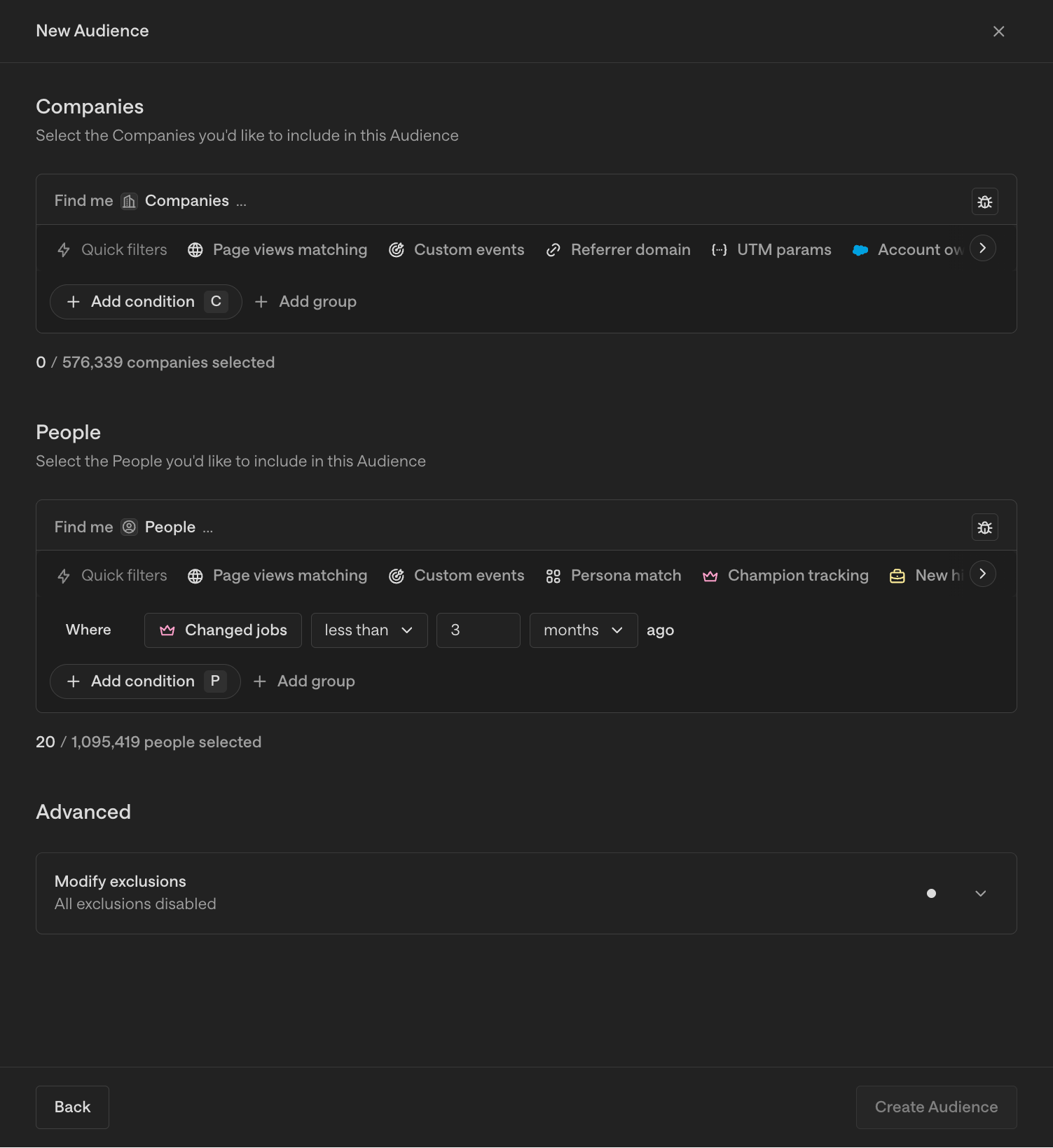
In the audience builder, you can add filters for champion job changes. Connect these audiences to Plays, sequences, and Slack alerts to automate workflows triggered by these changes. Here is an example of audience filters that includes champions who have changed jobs in the past 12 months: