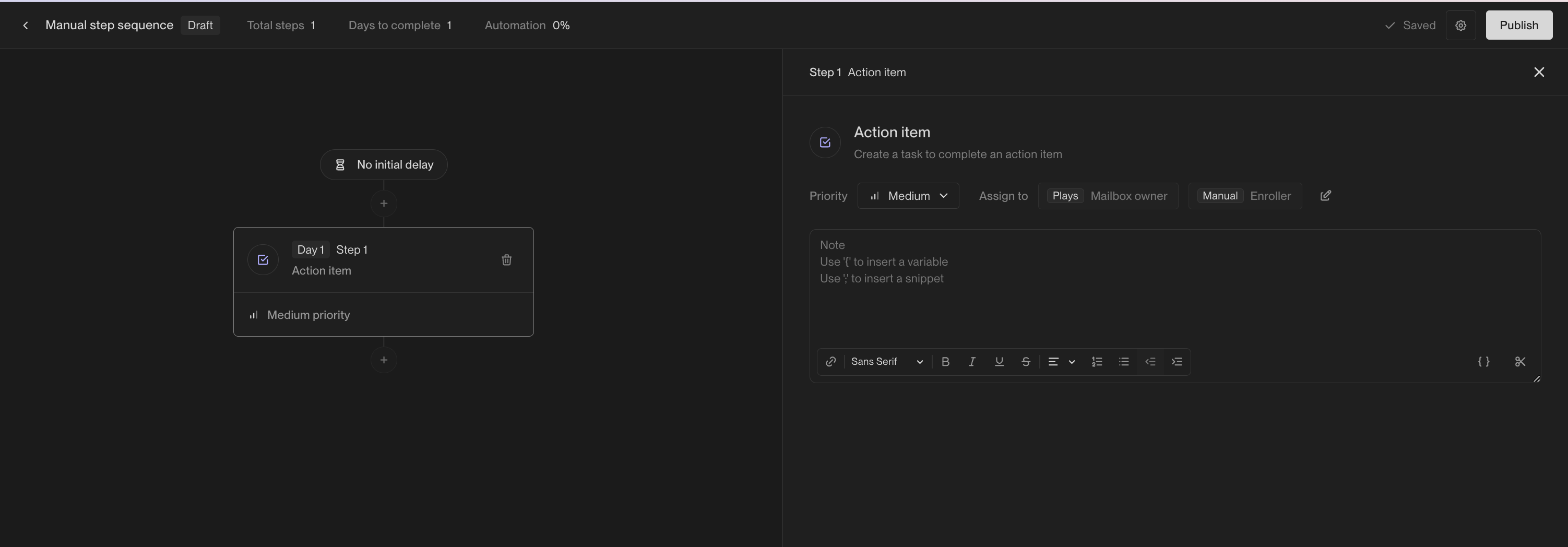
Adding Manual steps to Sequences
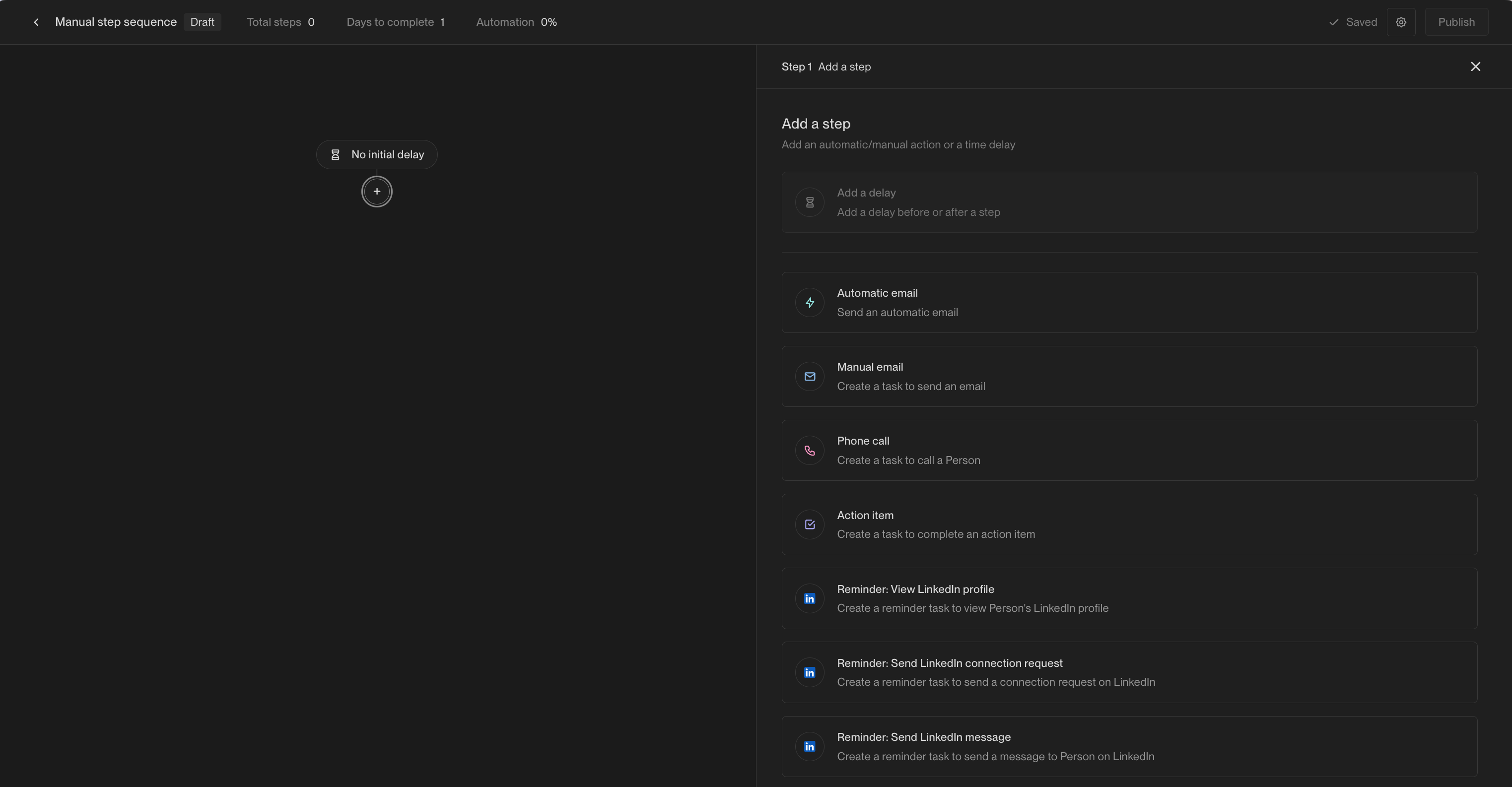
In the Sequence Builder, click the+ button to add a step and choose from the following options:
Manual email
Create an email that must be manually queued to send from Unify
Phone call
Create a task to call the prospect.
Action item
This will create a task to perform some generic action.
Manual email steps
Just like automated emails, manual email steps can be composed using template variables or snippets. You can set the priority of the task that will be created for the step and who to assign the task to.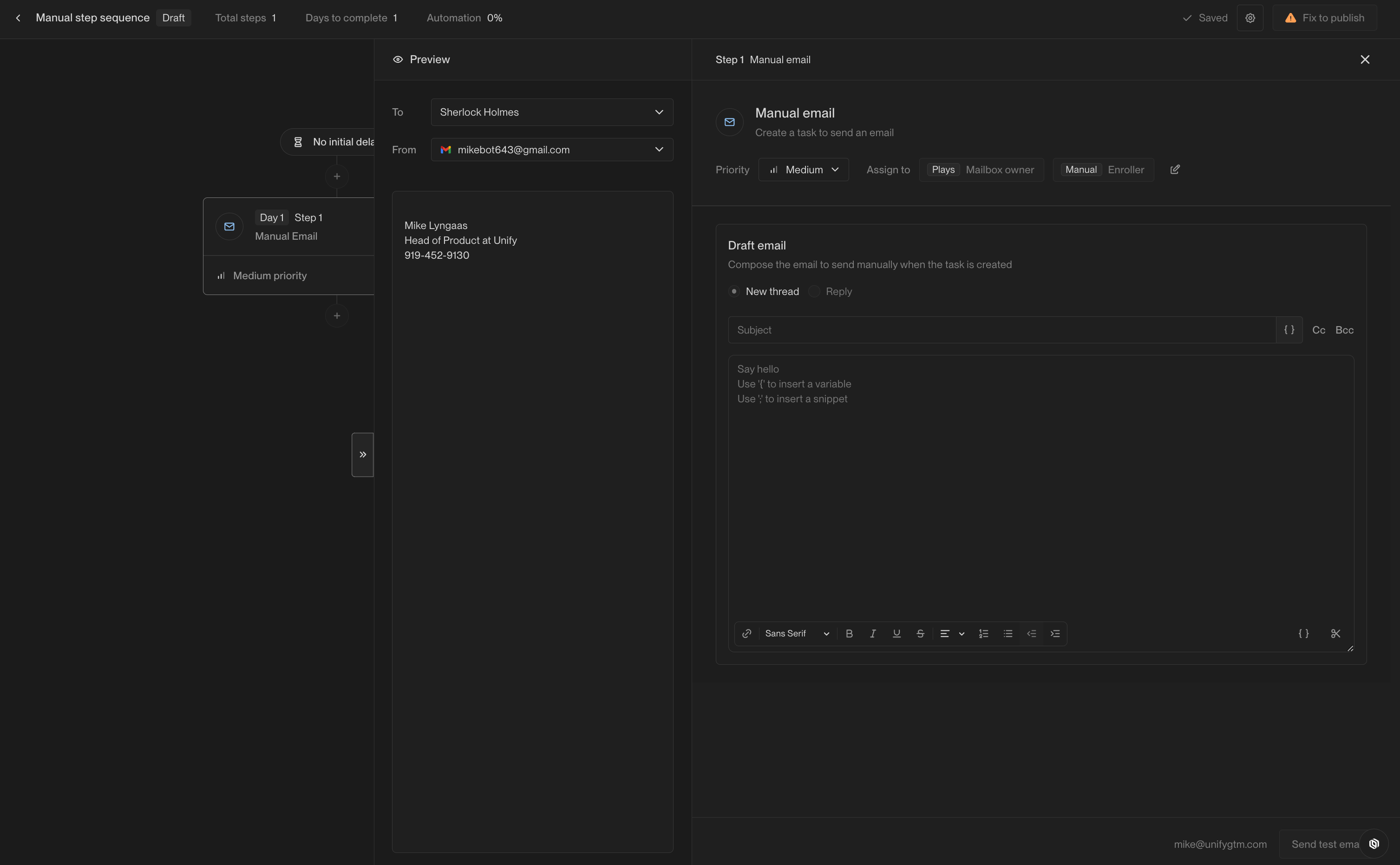
Phone call steps
Phone call steps can include notes that will appear on the call task once created. Template variables and snippets can be used to customize the notes.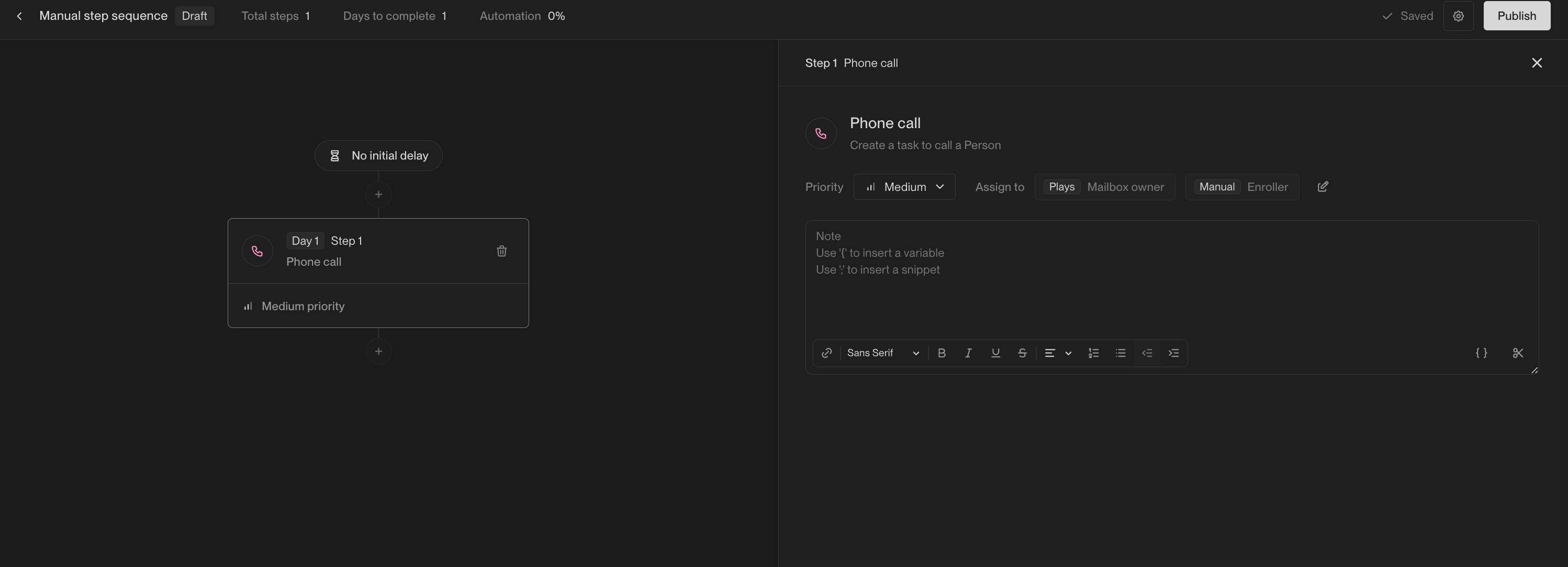
Action item steps
Action item steps can include notes that will appear on the task once created. These notes can be used to generate instructions for the user to complete the task or simply contain information about the prospect. Template variables and snippets can be used to customize the notes.